
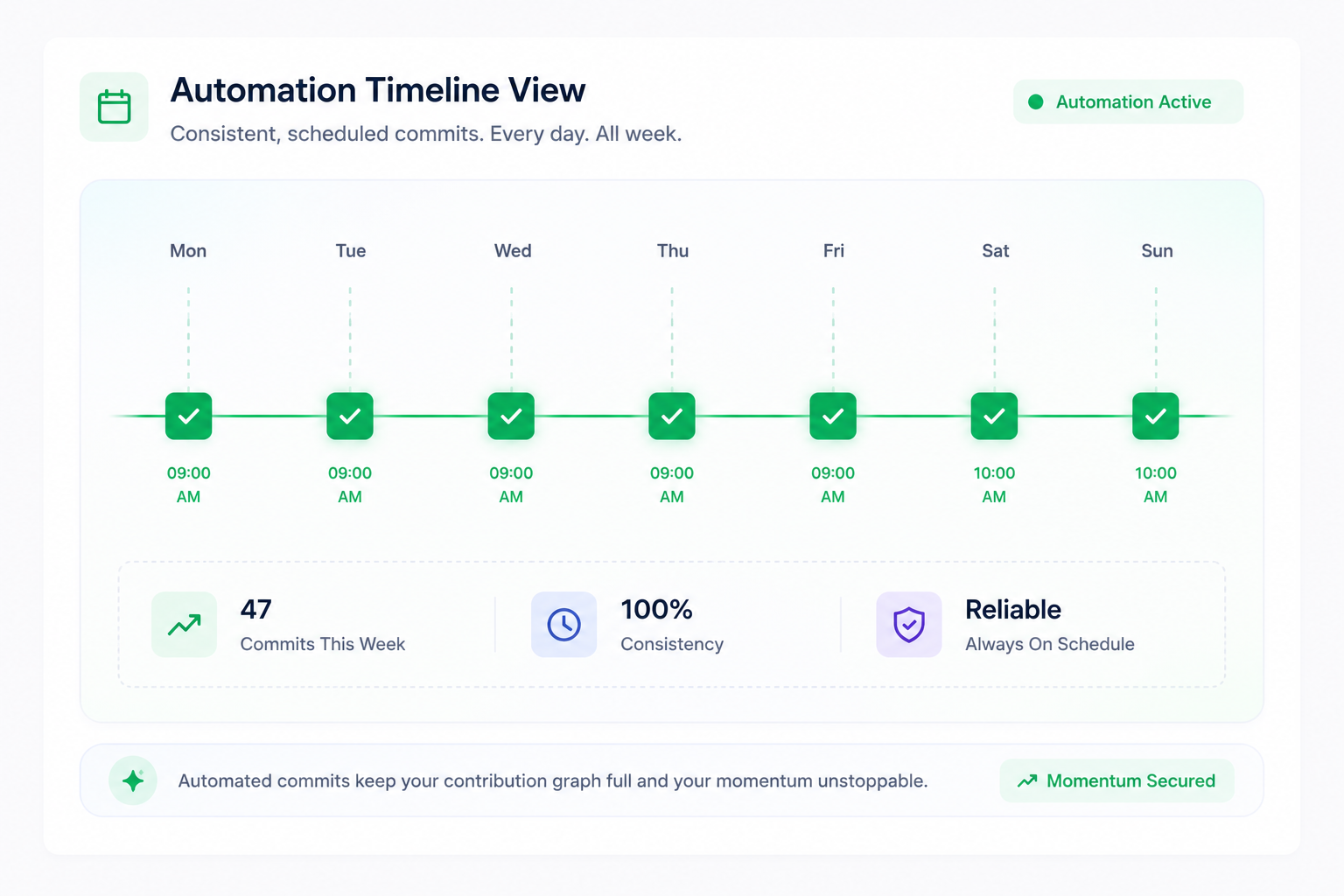
Automating GitHub Activity with APScheduler
In this post, we explore the architecture of the SyncGraph background worker. Our primary goal is to maintain an active GitHub streak without missing a single day.
Prerequisites
Before diving into the code, it's important to understand why we chose **APScheduler** over Celery: 1. It runs natively within our FastAPI event loop. 2. It allows for dynamic, randomized intervals (mimicking human behavior).
Code Definition
Here is how we schedule our daily sync job:
from apscheduler.schedulers.asyncio import AsyncIOSchedulerscheduler = AsyncIOScheduler()
def schedule_sync(user_id): # Schedules a commit within the user's defined "Sync Window" scheduler.add_job( commit_engine.run, 'cron', hour=14, minute=30, args=[user_id] ) ```
Key Paradigm
By randomizing the precise minute of the commit within a window, we ensure that your GitHub activity looks completely natural and human-generated.